 Slinky
About
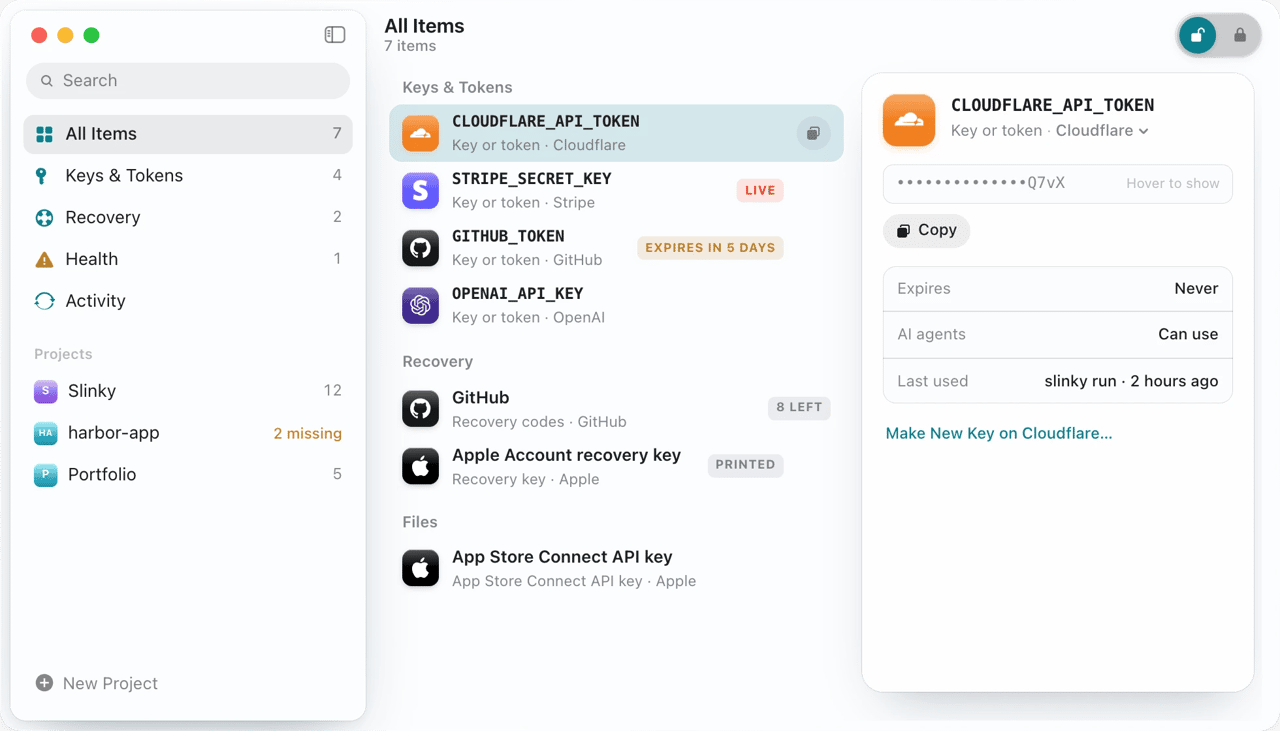
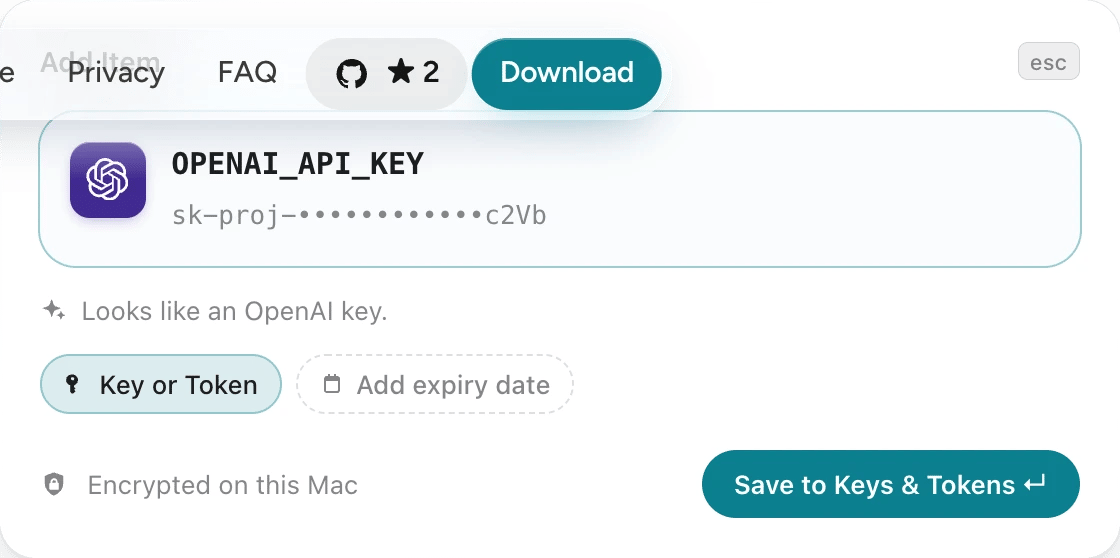
Slinky is the third app in the family, after Dinky (makes files smaller) and Binky (sorts your files). It’s for the things developers are told to “store somewhere safe”: API keys and tokens, each project’s .env variables, two-step backup codes and recovery keys. Paste anything and Slinky turns it into dots, recognises the service, shows its real icon, and puts it where it belongs.
Everything lives in one encrypted file on the Mac, opened by the Secure Enclave with Touch ID, with a printed Recovery Key as the way back in. No account, no server.
Agents, without the values
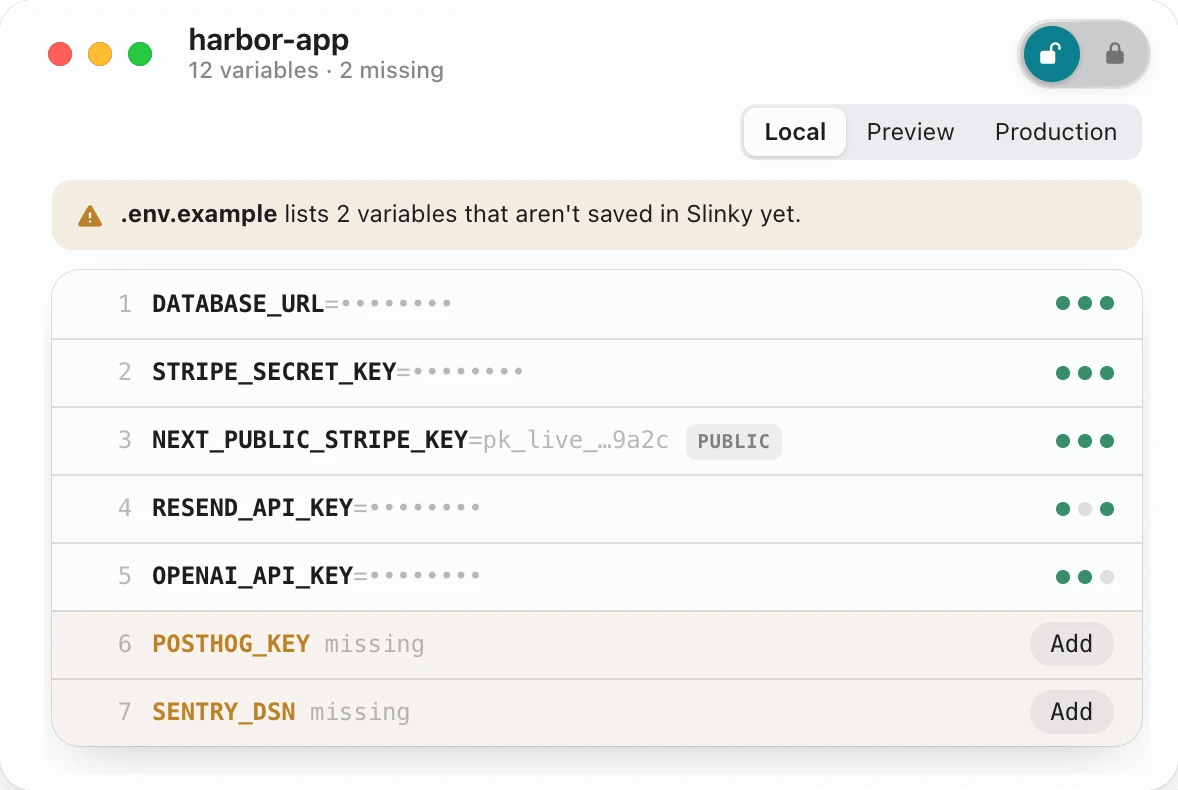
slinky run -- npm run dev starts an app with a project’s variables after Touch ID, with no .env on disk. Claude Code, Cursor and Codex connect over MCP and only ever see names: to use a secret they run their command through slinky run, and you approve it, seeing the exact command. Live keys stay out of agent runs, and a missing key opens Slinky for you to paste—not the chat.
Keeping secrets out of files
Health looks for exact copies of saved values in your projects, their git history, AI tools’ saved conversations and shell history, all on the Mac, and fixes most of them in a click. A commit check stops a saved key from being committed, and “Make New Key on GitHub…” replaces a leaked key everywhere it’s used.
Tools & process
Swift
Native SwiftUI for macOS 15 and later, Liquid Glass on Tahoe, Apple frameworks only, about 5 MB. In the repo.
Security
AES-GCM vault, a Secure Enclave key for Touch ID, a Recovery Key for everything else. The command line is the app's own signed binary, checked by code signature on every request.
Distribution
GitHub Releases and Homebrew (brew install --cask slinky).